Aimcademy
Project Overview
Aimcademy is an aim trainer built in Unity with a focus on repeatable practice, clean UX, and fast iteration. Players run short drills, track performance over time, and compare results on leaderboards. The project pairs a responsive in-game UI with an ASP.NET Core backend that manages scores, user identity, and ranking logic.
I contributed to this project alongside my full-time role, focusing primarily on backend systems and supporting UI implementation in Unity.
Core Mechanics
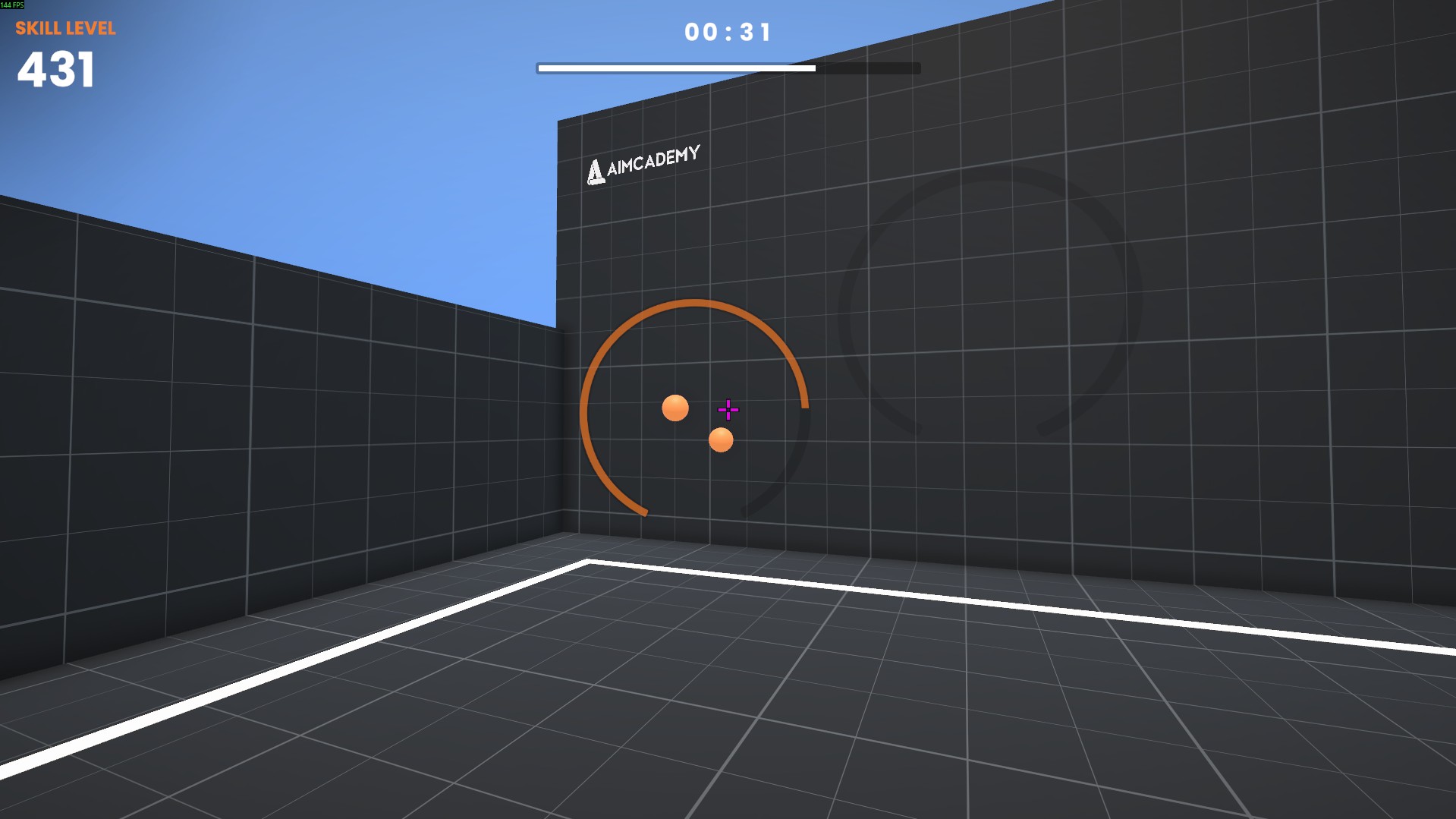
- Timed Drills: Short, repeatable scenarios focused on reaction, precision, and consistency.
- Scoring & Accuracy: Runs track hits, misses, time-to-hit, and aggregate performance metrics.
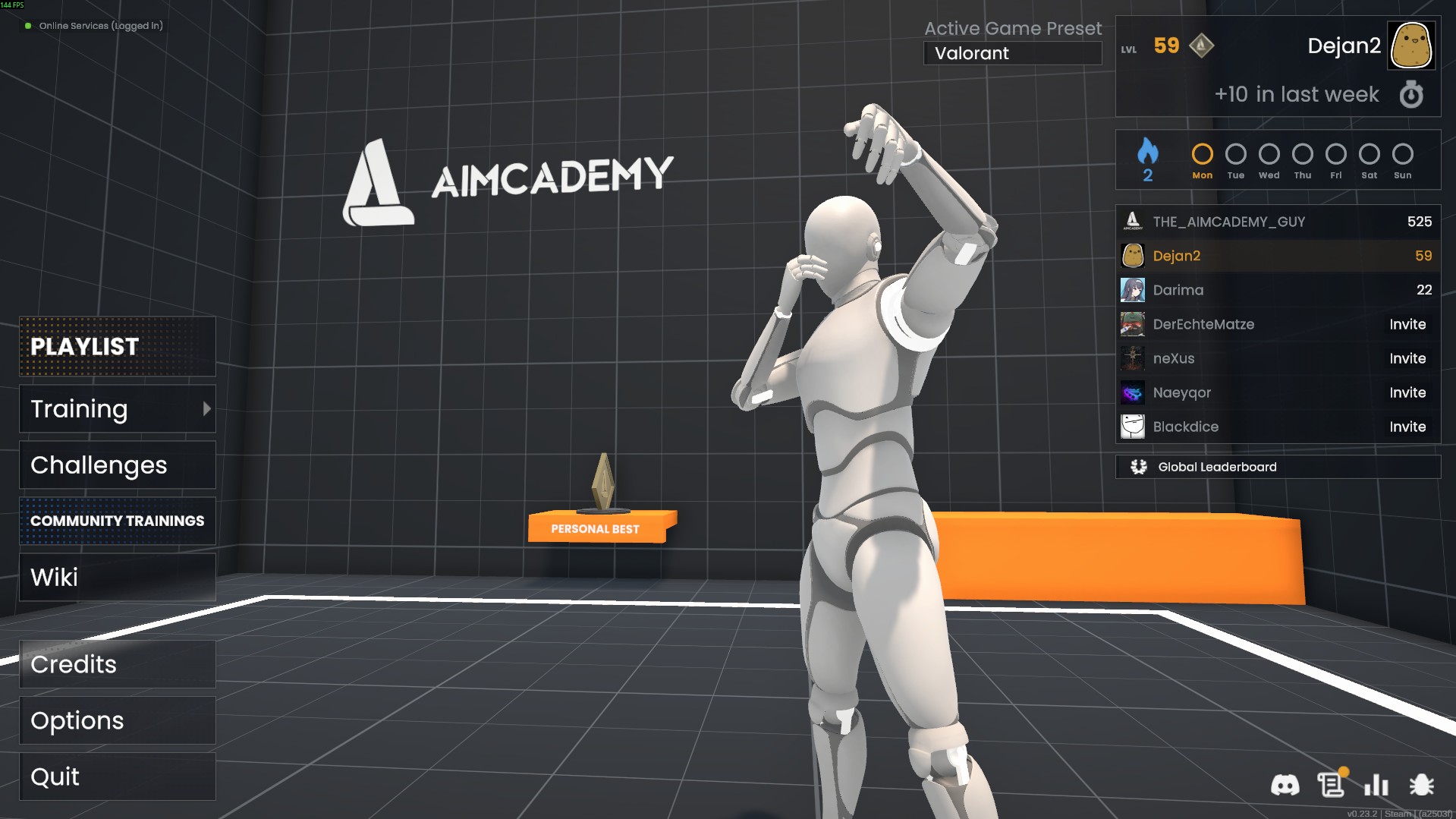
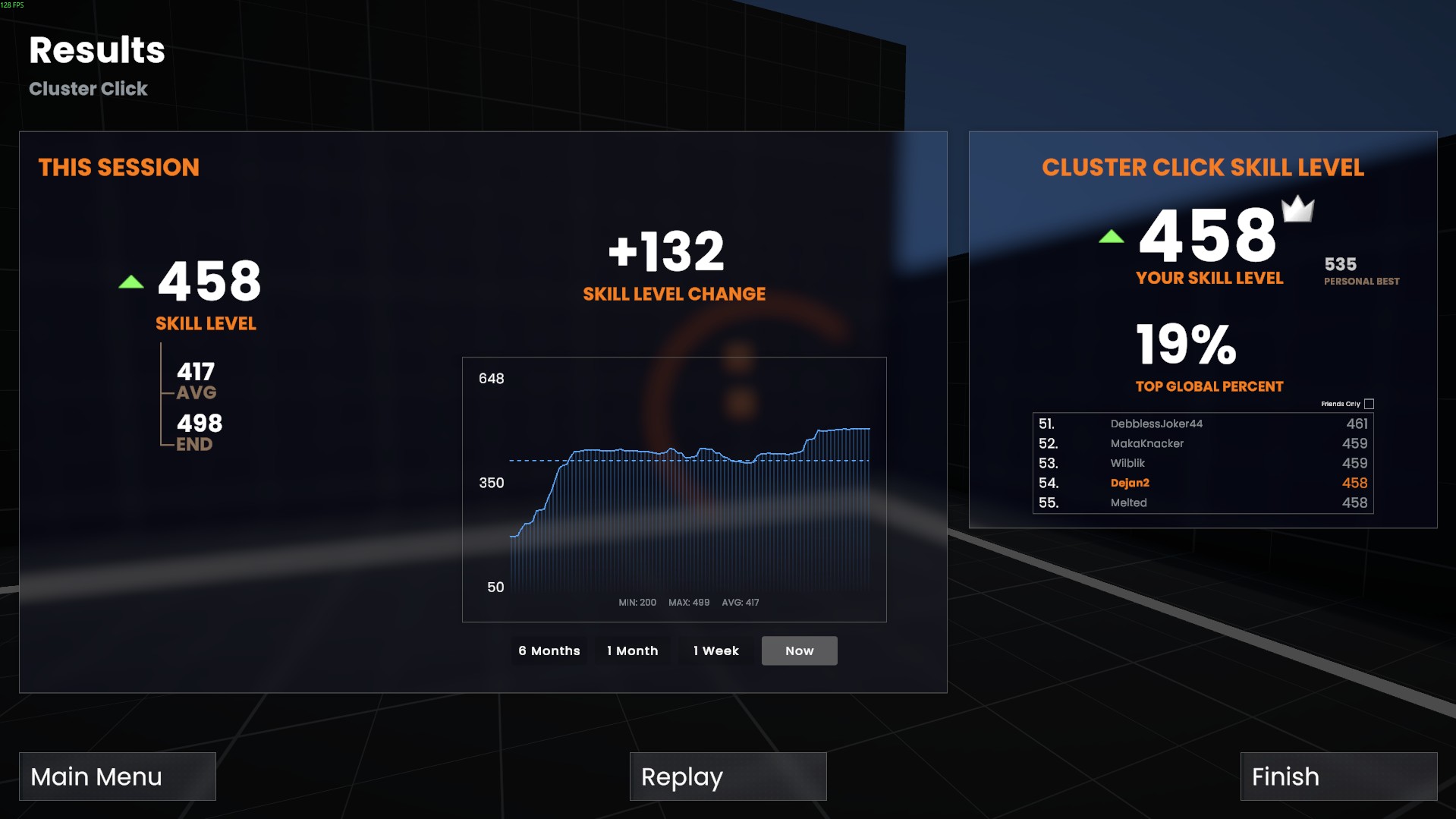
- Progress Tracking: View improvements over sessions and compare personal bests.
- Leaderboards: Global rankings per drill with stable sorting and tie-breaking rules.
- Fast UX Loop: Minimal friction from “start” to “restart” for high-volume practice.
Skills Demonstrated
| Skill | Description |
|---|---|
| ASP.NET Core Backend | Designed and implemented APIs for score submission, leaderboard queries, and user-facing endpoints. |
| SQL & Data Modeling | Structured persistence for runs/scores with query patterns optimized for ranking and recent-history views. |
| Leaderboard Logic | Deterministic ranking, tie-breaking, validation, and safe server-side score handling. |
| Unity UI Implementation | Implemented and iterated on UI screens and flows to keep practice sessions fast and readable. |
| Reliability & Debugging | Hardening API behavior, handling edge cases, and debugging client/server mismatches and payload issues. |
Key Features
- Server-Backed Leaderboards: Rankings stored and computed server-side for consistency.
- Score Validation: Guardrails against malformed submissions and obvious invalid data.
- Drill Catalog: Multiple training scenarios with per-mode rankings and stats.
- Session History: Recent runs and personal best tracking for quick feedback loops.
- UI-first Iteration: Quick screens, clear results, and snappy restart flow.
Technical Concepts and Tools
ASP.NET Core Services
REST endpoints for submitting results, fetching leaderboards, and retrieving player performance history.
Data & Ranking Queries
Efficient queries for top-N leaderboards, per-drill filtering, sorting, and consistent tie-breaking.
Unity UI Flow
Clean practice loop: drill selection, run start, results screen, and quick retry with minimal downtime.
Gallery
Learning Takeaways
Building score services for an aim trainer sharpened the importance of deterministic ranking logic, robust validation, and low-latency queries. On the Unity side, UI work reinforced how much a fast “practice → results → retry” loop impacts player engagement—especially in high-repetition training tools.
Tools Used
- Unity: Gameplay loop, UI, and scene flow.
- C# / JetBrains Rider: Client-side features and iteration support.
- ASP.NET Core: Backend APIs for scoreboards, history, and leaderboard queries.
- SQL: Persistence layer and ranking query patterns.